BookBuilder Tutorials
Setup · From a blank screen to a book in motion
Setup asks you a handful of questions: how long the book should be, whether it sells something, and what material you’ve got. Answer in the chat, drop in your notes, and BookBuilder builds from there.
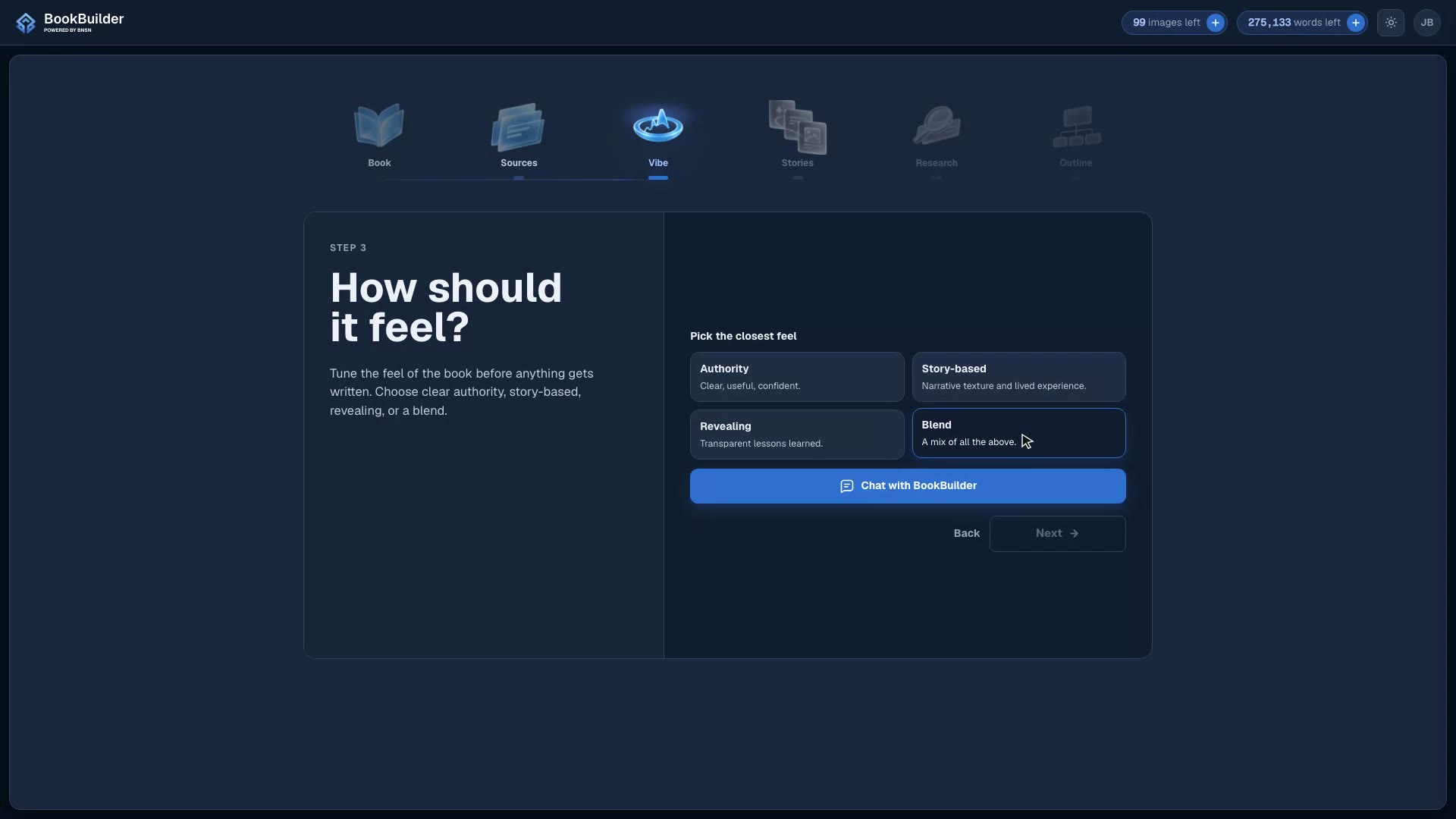
Vibe and Stories · The voice, the feel, and the stories that make it yours
The vibe agent captures how your book should sound, you pick how it teaches, and the stories agent sits you down for the interview that gives your chapters their best material.
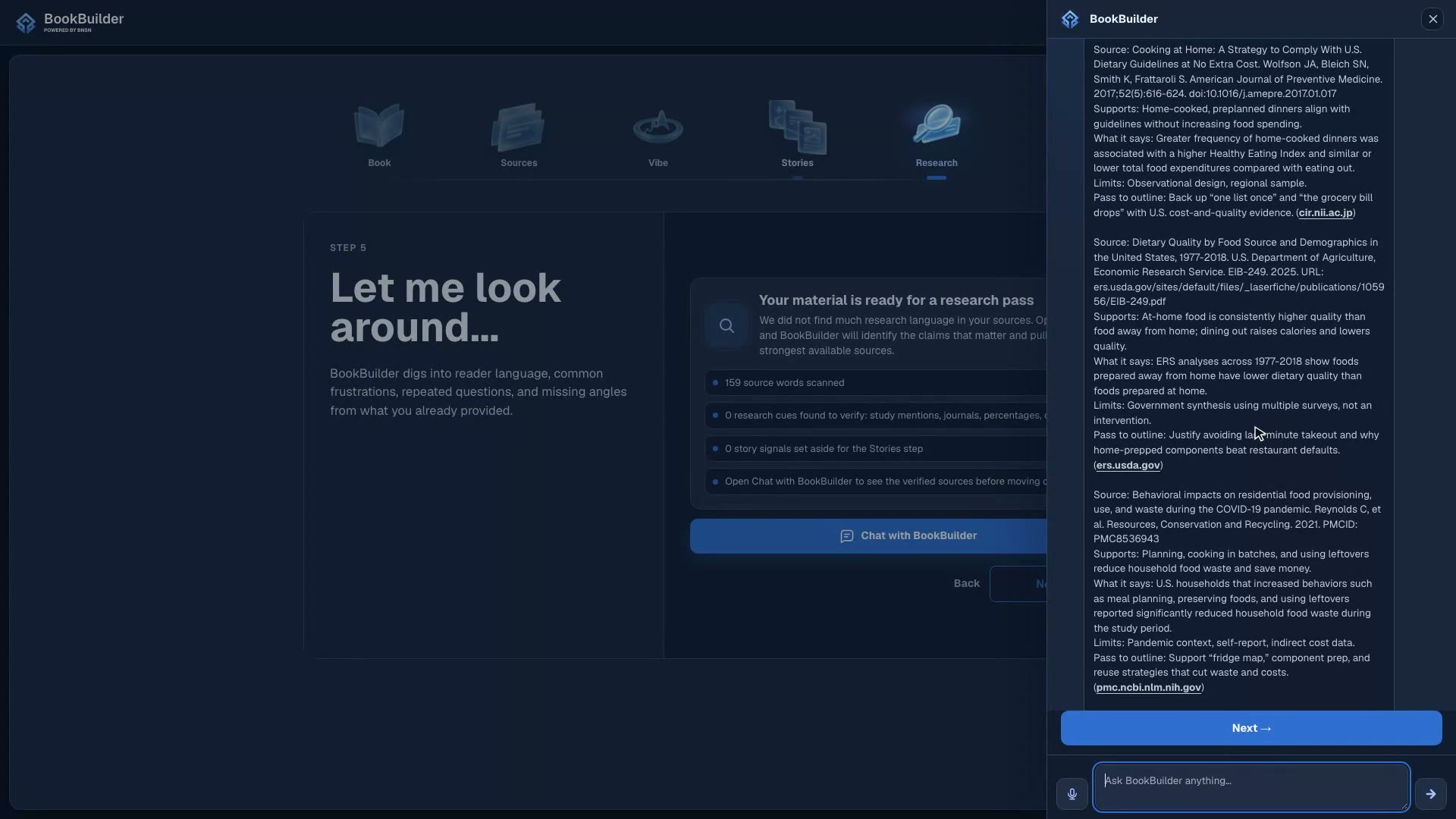
Research · Studies and sources that give the book its spine
A Pro step where BookBuilder’s research agent finds real studies and articles to back up what your book teaches, then keeps finding them for you all the way through the outline.
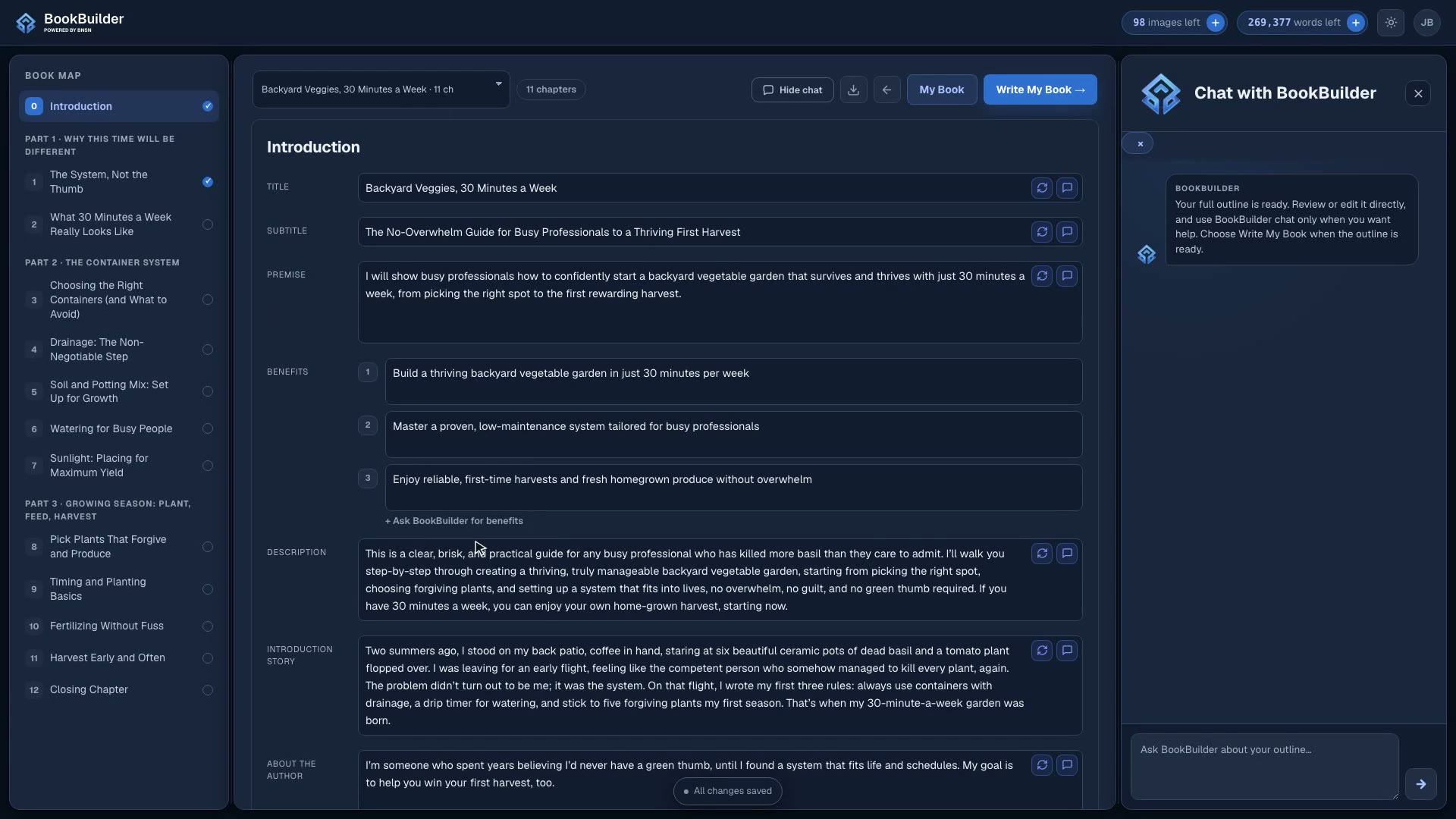
Outline · The whole book, mapped and editable, before a chapter is written
The outline is the most important document in the build: parts, chapters, your stories, and your studies, all placed where they belong and all yours to change before the writing starts.
Write and Edit · Chapters drafted for you, polished by you
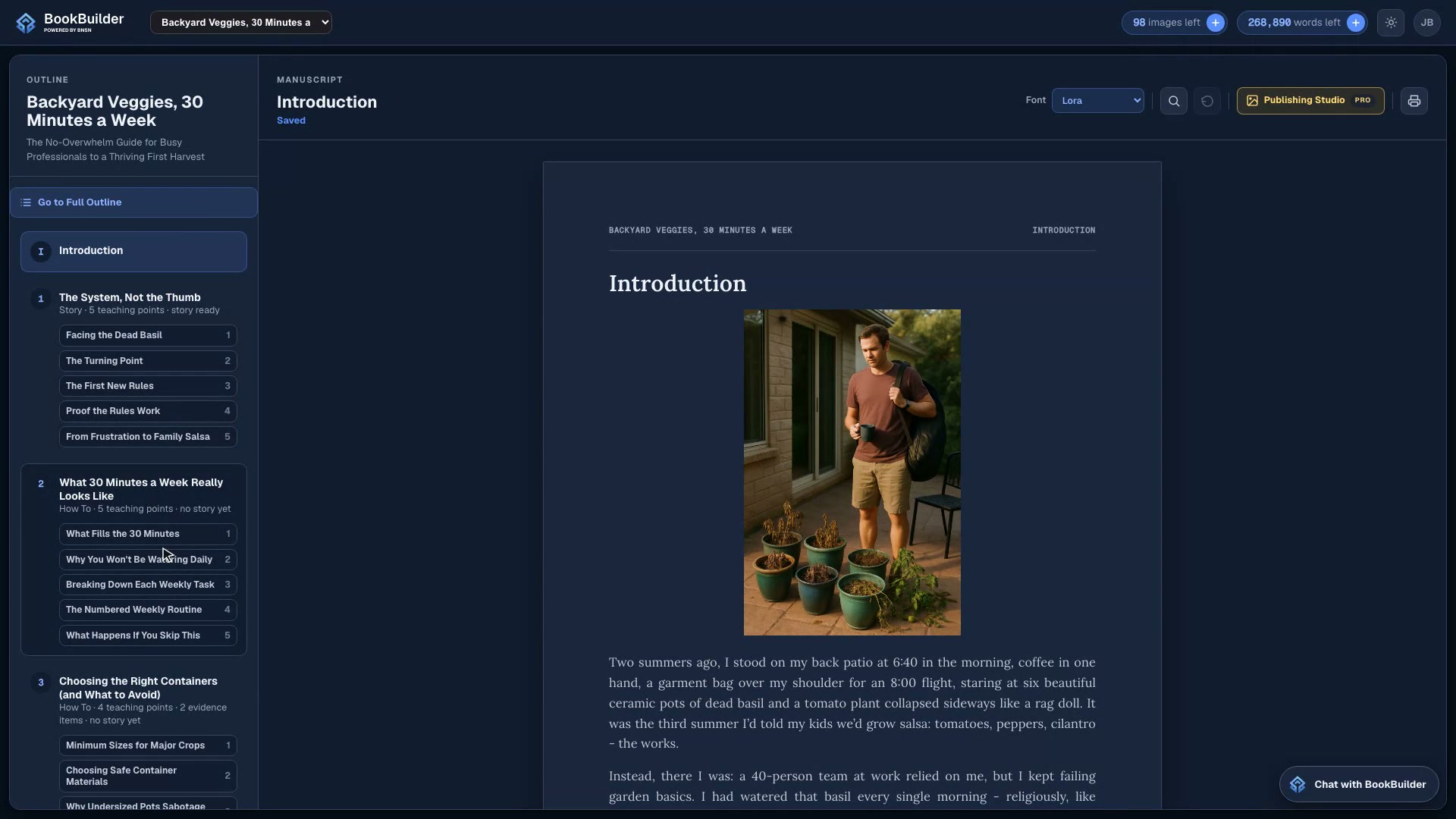
The editor is where you read your book, fix anything by typing, hand the bigger rewrites to BookBuilder, and drop generated images exactly where you want them.
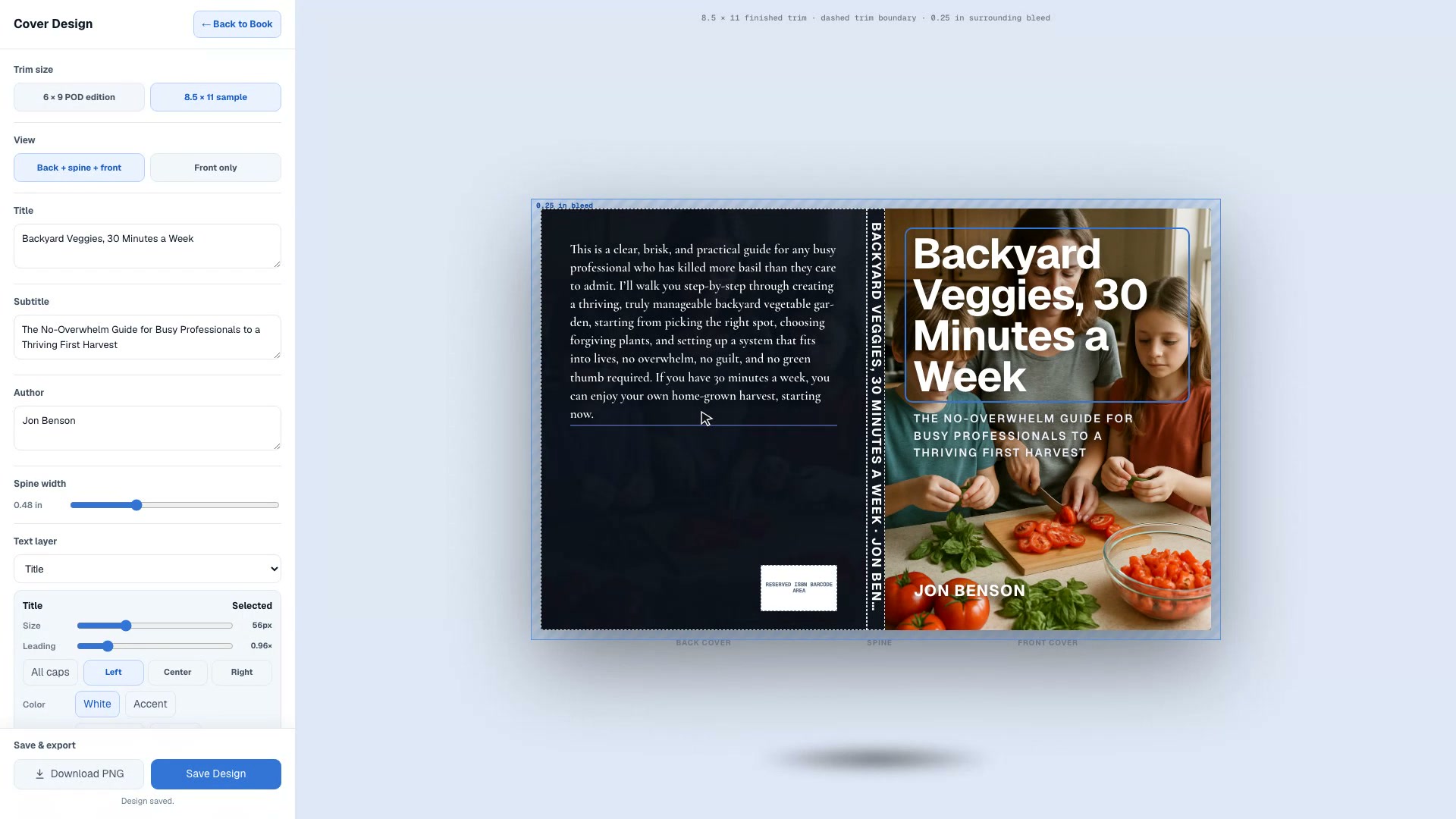
Cover and Publish · A finished cover and a print-ready PDF
Design the full jacket the way you would in a layout tool, then export the whole book, cover included, as a clean PDF.